










Introduction: The Power of a Digital Chess Clock
In chess, time management is as important as the moves you make on the board. Whether you’re playing casually or in a tournament, a digital chess clock is an essential tool for keeping track of time and ensuring a fair and structured game.
But digital clocks do more than just count down the minutes. They offer a variety of time controls and settings that can add excitement, challenge, and strategy to your game. Understanding how to use a digital chess clock is critical, especially if you want to play in blitz, rapid, or classical formats.
In this article, we’ll explain how to use a digital chess clock, how to set it up for different types of time controls, and how it can impact your strategy and game dynamics.
Quick Answer: How Do You Use a Digital Chess Clock?
· Press the start button to begin the game.
· Use the button or knob on the clock to set the desired time control (e.g., 5 minutes for blitz, 15 minutes for rapid).
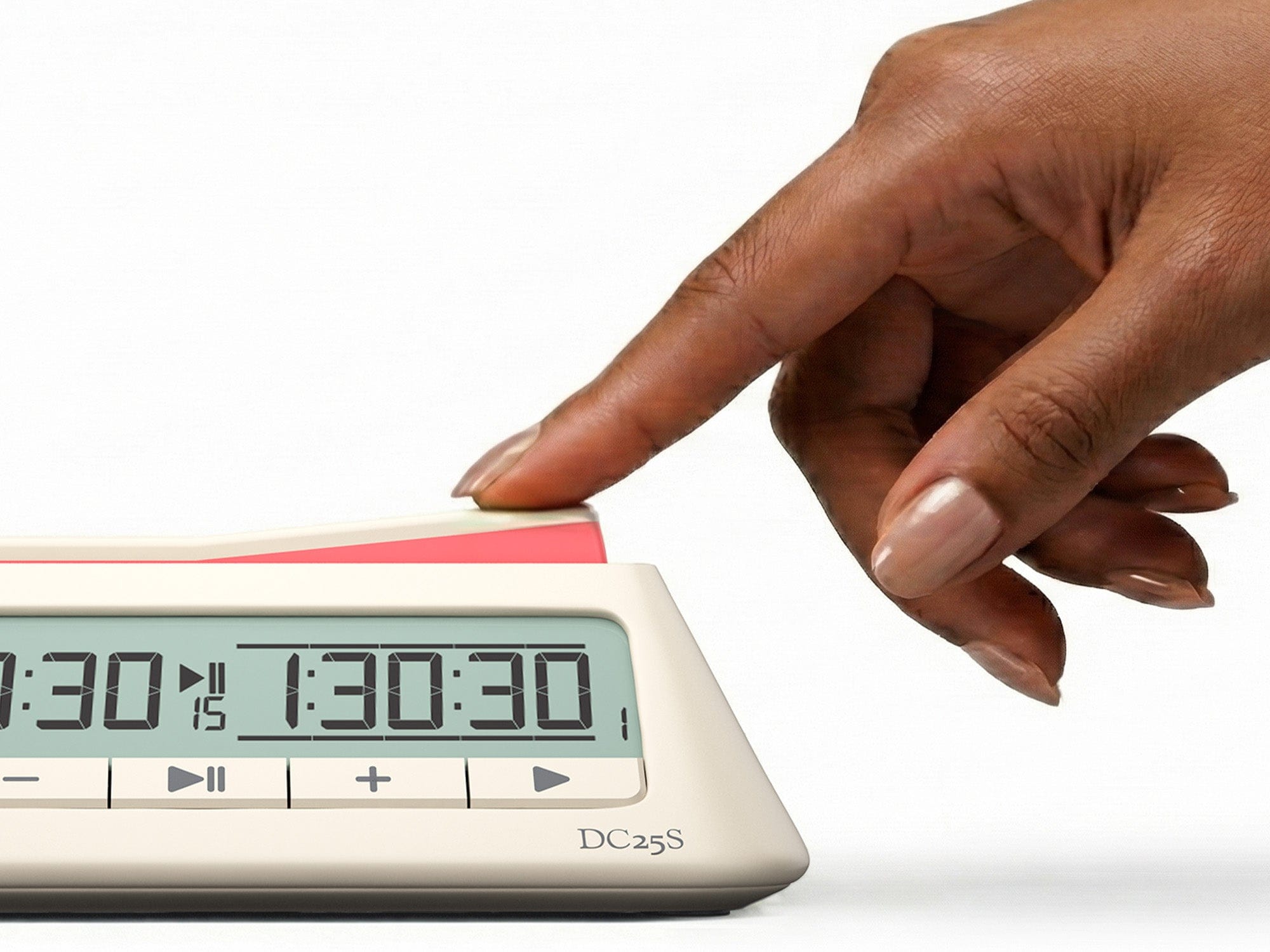
· Press your clock button when you finish your move to stop your time and start your opponent’s.
· Adjust settings for special rules like increment, delay, or time adjustments.
Using a digital chess clock is simple once you’re familiar with the basic settings, but there are many customizable options that can add depth and variety to your games.
What is a Digital Chess Clock?

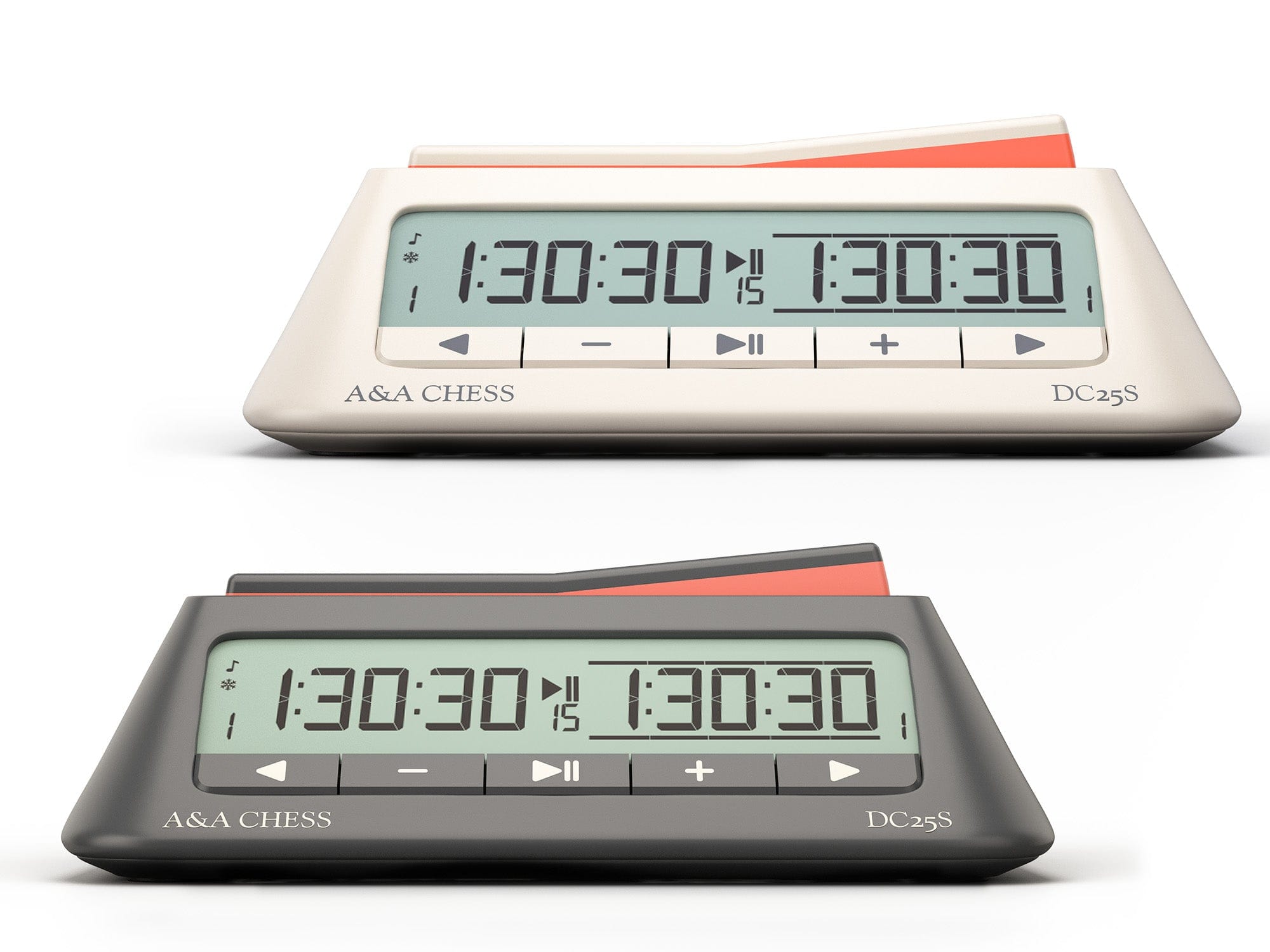
A digital chess clock is an electronic timer used in chess to track each player's allotted time. Unlike traditional analog clocks, digital chess clocks display the time in numbers and allow you to set specific time controls for each game. They often feature a two-button system—one for each player—which allows you to press the button when your turn is over to stop your clock and start your opponent’s.
Why Use a Digital Chess Clock?
· Fairness: It ensures both players have an equal amount of time to make moves.
· Time Management: It adds an extra layer of strategy, as players must balance making good moves with managing their remaining time.
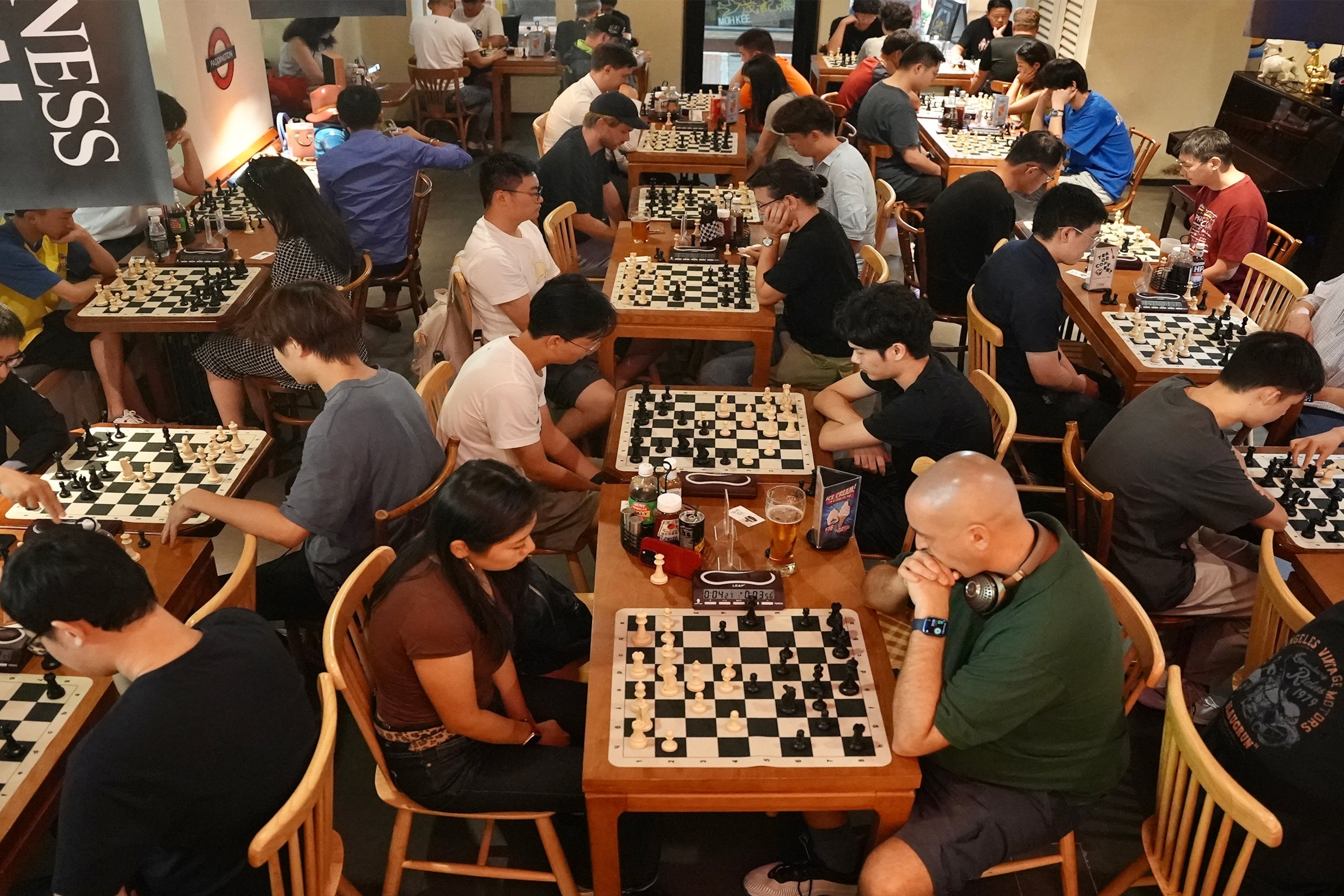
· Competitive Play: Most chess tournaments use digital clocks to maintain the pace of the game and avoid long delays.
· Speed Variability: It offers a range of time controls that can be tailored to the style of the game, from fast-paced blitz games to long, thought-out classical games.
Types of Time Controls for Digital Chess Clocks
Digital chess clocks are designed to handle various time controls. Here are the most common ones you’ll encounter:
1) Classical Time Control (Standard Time)
This is the most traditional time control in chess, where each player gets a set amount of time (usually between 30 minutes and 2 hours) to complete all of their moves. The clock counts down during your turn, and once it reaches zero, you lose the game (unless the game is a draw).
How it works:
· Each player gets a total time, typically 1 hour per side.
· The clock counts down during your turn, and you must make your move before the time runs out.
· If your time runs out before your opponent’s, you lose the game, unless you have a checkmate threat (in some cases, like a stalemate or a draw due to insufficient material, you may still win).
Best For: Tournament play, longer games where players have the opportunity to think deeply about every move.
2) Rapid Time Control
Rapid chess is a faster format than classical chess, where each player is usually given 10-25 minutes for the entire game. It’s a popular format for both competitive players and casual players who want a quicker pace without going to blitz speed.
How it works:

· Both players get 10 to 25 minutes each for the entire game.
· Each player must use their time wisely—too long on one move, and you might be left with very little time at the end.
· The clock counts down with every move, but it doesn’t rush players as much as blitz does.
Best For: Players who want to enjoy a faster pace without sacrificing strategy, ideal for casual and semi-competitive play.
3) Blitz Time Control
Blitz chess is an ultra-fast format where each player gets 5 minutes or less to complete their entire game. Blitz chess is intense and requires quick thinking and fast moves, making it one of the most exciting formats to play.
How it works:
· Each player is allotted 3 to 5 minutes (sometimes less) to make all their moves.
· As soon as a player presses their clock after making a move, the opponent’s clock starts counting down.
· The game usually ends in a time scramble, where players must make rapid decisions, often relying on instinct and speed more than careful strategy.
Best For: Fast-paced games, practice for speed, and tournament settings where quick games are needed.
4) Blitz with Increment and Delay
Many digital clocks support increment and delay, which modify how time is added or used during the game.
· Increment: A small amount of time (typically 2-5 seconds) is added to your clock after every move you make. This can help in faster formats like blitz, giving players a little more time to think without significantly slowing down the game.
· Delay: A set amount of time (typically 5-10 seconds) is given before the clock starts running, giving players a brief moment to set up their move without losing time.
Best For: Players who want a more relaxed blitz experience with small adjustments to time.
How to Set Up a Digital Chess Clock
Setting up a digital chess clock is simple, but it’s essential to know the basic functions and buttons. Here’s a basic guide for setting up most digital chess clocks:
1) Set the Time Control

· Press the “Set” button to enter the time control mode.
· Use the up/down buttons or a dial to set the total time for each player (e.g., 5 minutes for blitz, 30 minutes for classical).
· Press “Enter” to confirm your settings.
2) Set Increment or Delay (if needed)
· If you want to use increment or delay, press the corresponding button and set the desired time (e.g., 3 seconds).
· If you don’t want any increment, leave the setting at 0.
3) Start the Game
· Press the “Start” or “Go” button to begin the game.
· When a player finishes their move, they press their clock button, and the opponent’s clock will begin counting down.
4) Adjust Time During the Game (if needed)
· If you need to change the time during the game (e.g., adjusting the game time after a break), press the “Pause” or “Reset” button.
· Adjust the time settings as needed and press “Enter” to confirm.
How Digital Chess Clocks Improve Your Game
Using a digital chess clock can take your game to the next level, helping you improve your time management and strategic thinking:
· Improves Time Awareness: Using a clock forces you to be aware of how much time you’re spending on each move, which improves your overall time management.
· Creates Excitement: Especially with blitz or rapid formats, a digital chess clock adds a sense of urgency and excitement, keeping you engaged.
· Fair Play: A clock ensures that both players have equal time to play, making games more fair and structured.
Internal Links You Should Add (for SEO + conversions)
Within this article, naturally link these phrases to your relevant pages:
· “digital chess clock” → Chess Clocks collection
· “blitz chess clock” → Blitz Chess Sets page
· “chess time controls” → Chess Time Controls page
· “chess sets” → Chess Sets collection
FAQ
1) Do I need a digital chess clock for casual games?
A digital chess clock isn’t necessary for casual games, but it’s a great tool if you want to practice time management or add more structure to your game.
2) How do I adjust the time control during a game?
Most digital chess clocks allow you to pause the clock during a game and adjust the time if needed. Use the “pause” button and then adjust the time settings with the up/down buttons.
3) Can I use a digital chess clock for online play?
While digital clocks are mainly used for over-the-board games, many online chess platforms now have built-in clocks that mimic the functionality of digital clocks, including increments and delays.
4) What’s the best time control for beginners?
For beginners, a longer time control like 10 to 15 minutes per player is recommended to give enough time to think through moves. Avoid blitz at first, as the pressure of limited time can be overwhelming.
5) How does the increment work on a digital chess clock?
An increment adds a small amount of time (usually 2-5 seconds) to your clock after every move. It ensures that players always have a bit of time to make their next move, which can be helpful in fast-paced formats.
Conclusion: Master Your Game with a Digital Chess Clock
A digital chess clock is an essential tool for any serious player, whether you’re playing casual games, practicing speed chess, or participating in a tournament. Understanding how to use the clock, adjust time settings, and incorporate various time controls into your strategy will help you become a more efficient and strategic player.
By mastering the clock, you not only improve your time management but also enhance your overall game experience—adding a layer of excitement and strategy to your chess matches.





Leave a comment
This site is protected by hCaptcha and the hCaptcha Privacy Policy and Terms of Service apply.